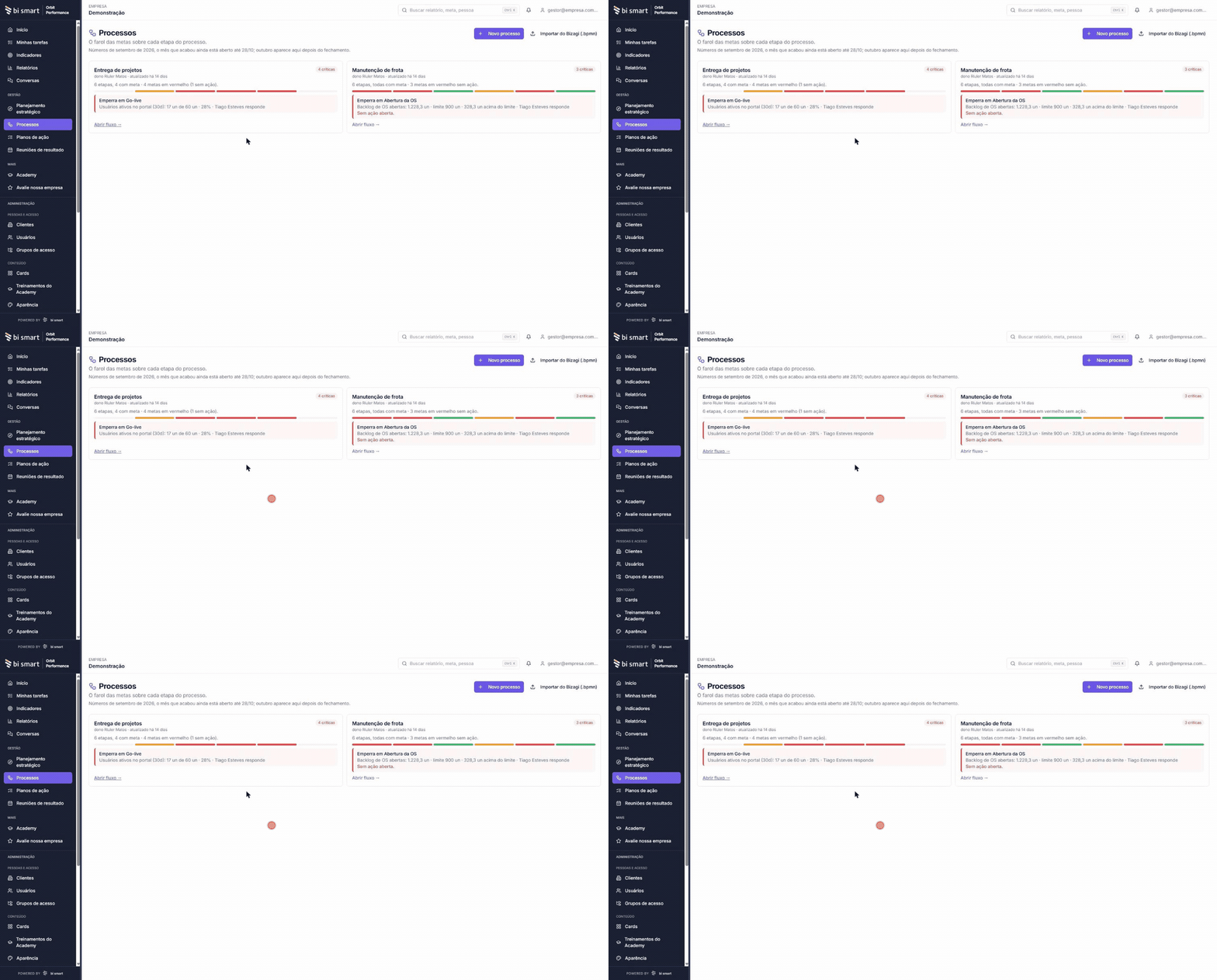
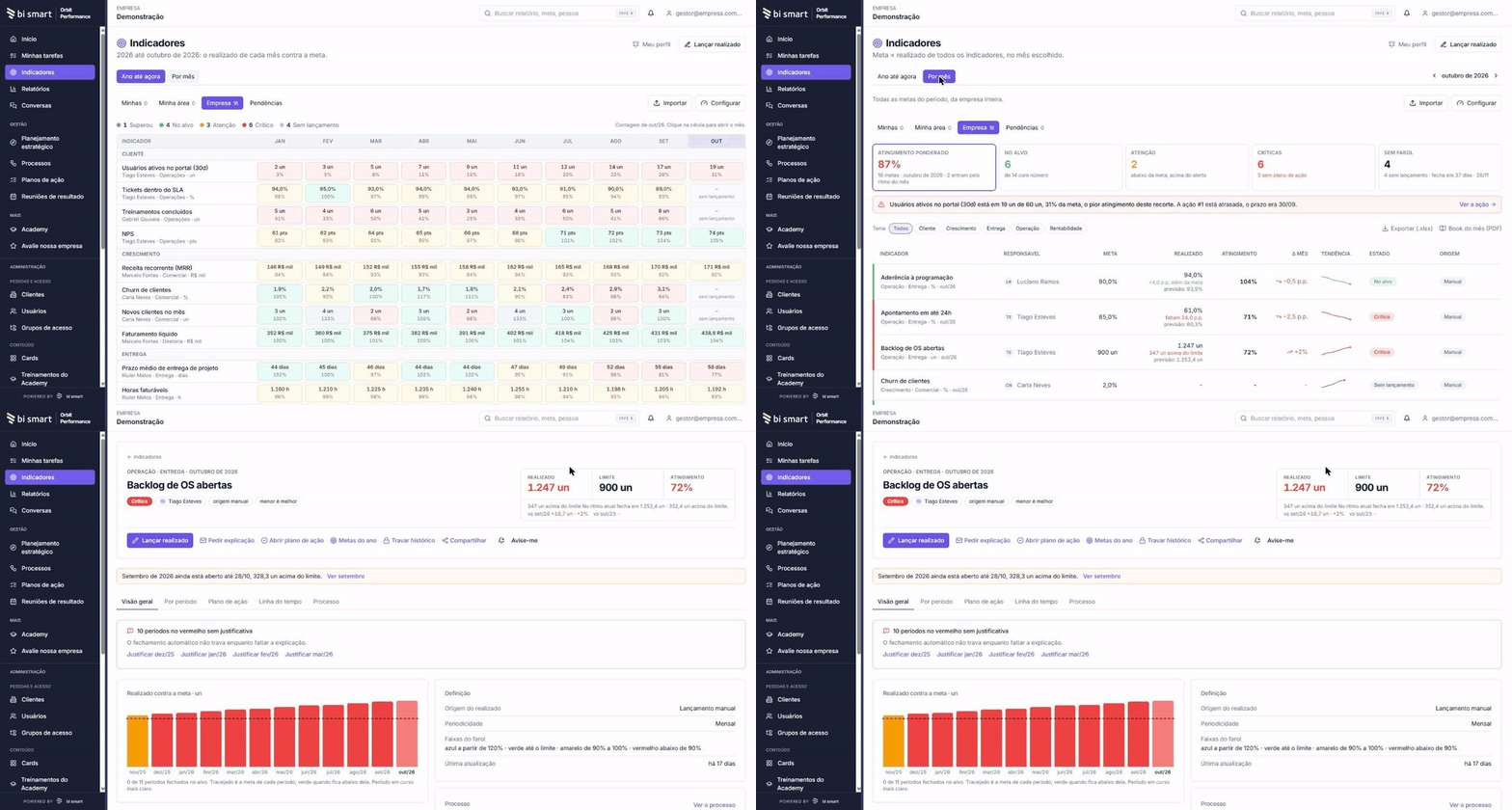
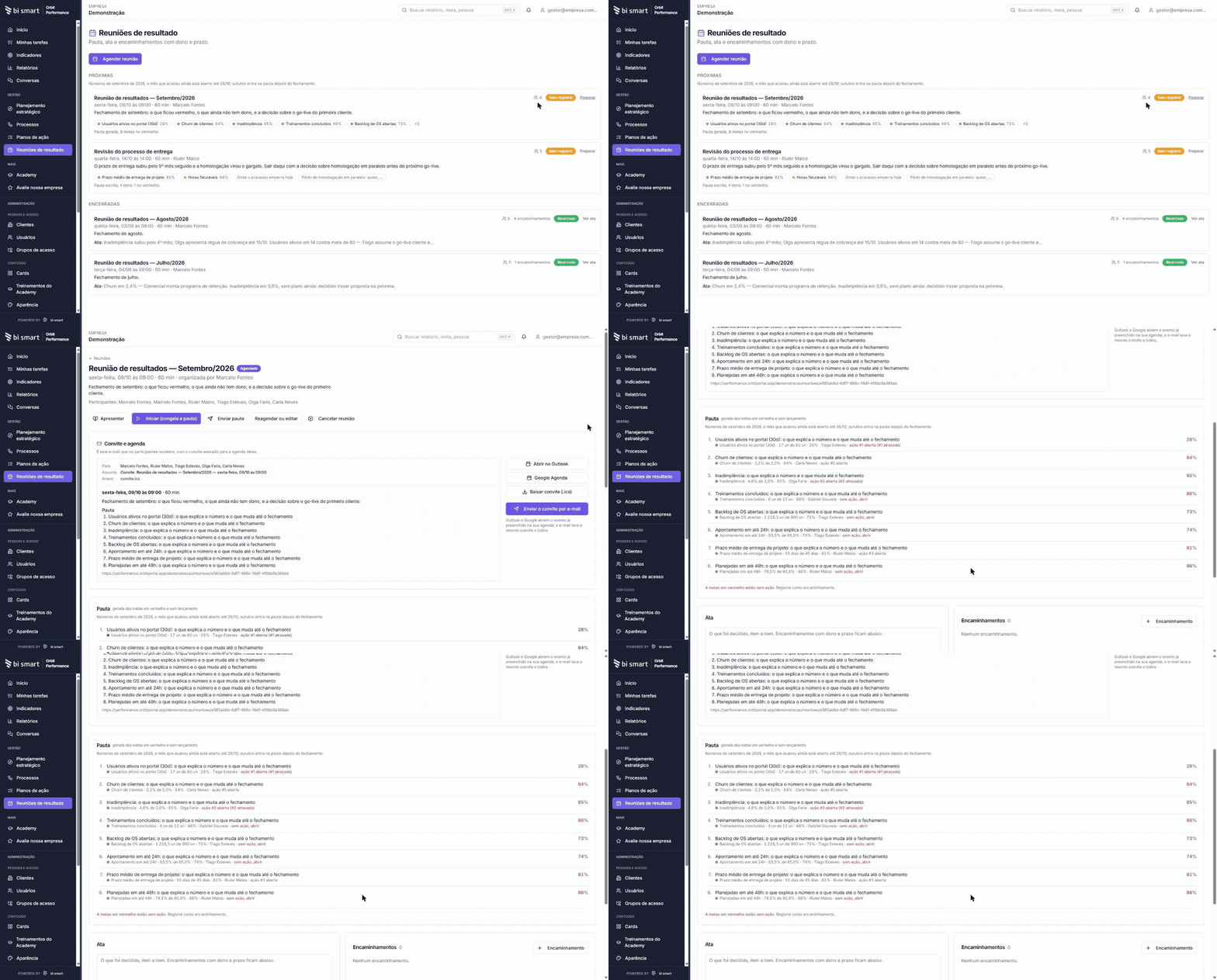
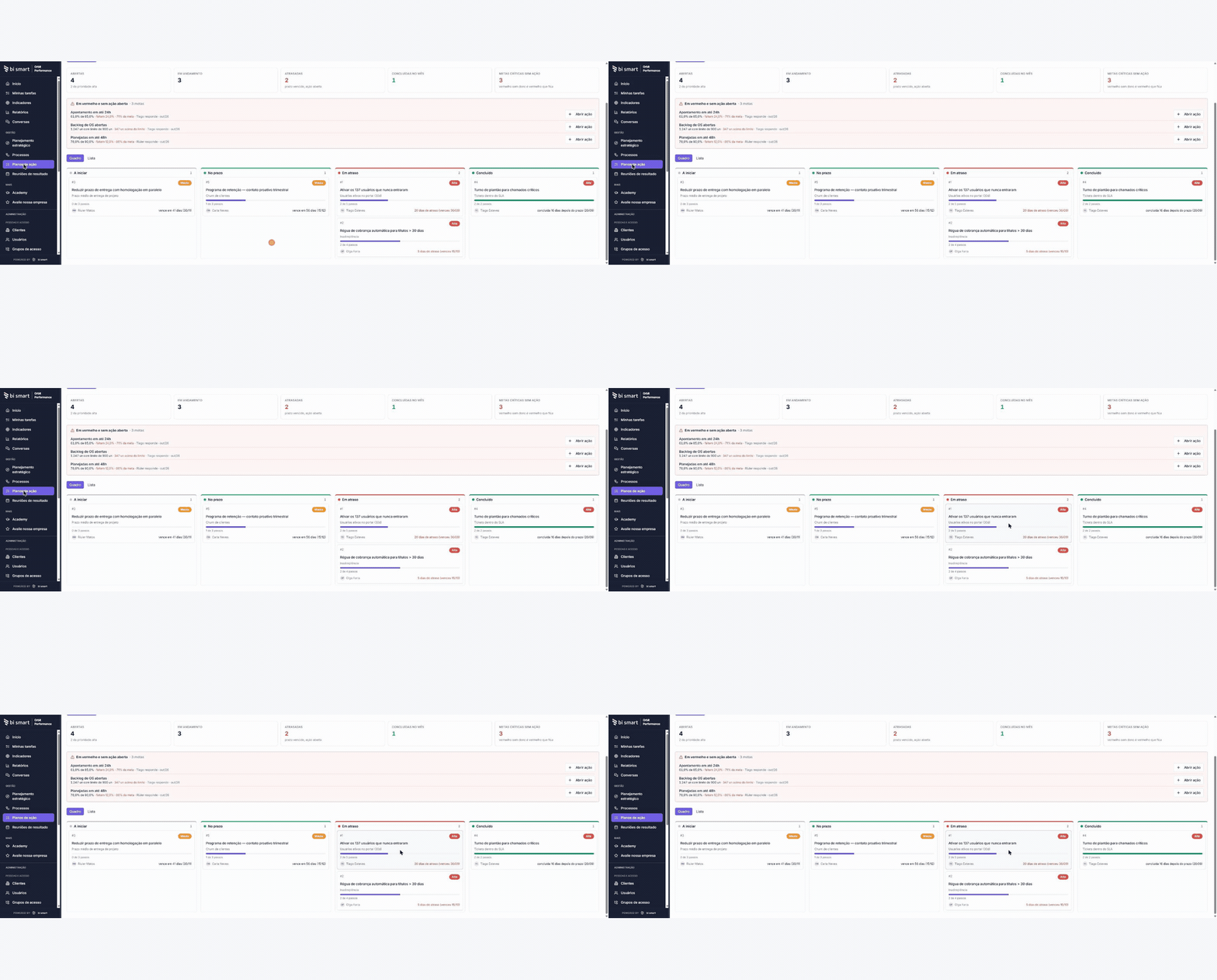
Orbit Performance does not replace the ERP. It is where the company tracks targets month by month, discusses results in a meeting and turns what went red into an action plan. Unlimited users and published pricing.
Already have Power BI?
Keep it. Power BI shows the number; Orbit chases whoever has not entered it, keeps the evidence and opens the action. Power BI reads Orbit’s data through the API.
Protheus, Sankhya, Omie, SAP or no ERP
Without Automation, the number is typed in or imported from a spreadsheet, once a month. With Orbit Automation, it arrives on its own from the ERP, IFS, Protheus, Sankhya, Omie, SAP or another. Your industry’s management system or your time-clock system: if it has an API, Automation reads it; if not, it comes in by spreadsheet, once a month. BI Smart does not compete with your ERP.
How much work is it?
One person imports the target spreadsheet and invites the owners. Each one signs in once a month, types the number, attaches the screenshot and submits; the manager approves on the same screen. The number closes by month, quarter or year. The results meeting starts from what turned red, and the action plan tasks come due on their day, for each person.
ISO 9001, IATF 16949
Each KPI keeps the target, the actual, the evidence, who approved it and the corrective action. In an audit, you open the KPI and show the year’s history. Scrap per shift stays on the line; here goes the period close, with the evidence. Orbit does not record the NCR or the 8D: it keeps the KPI and the action with owner, deadline and proof. The root-cause analysis (5 whys, Ishikawa or the customer’s 8D) is attached to the action; effectiveness shows in the following months’ numbers.
Profit sharing and bonuses
Floor, target, cap, weight and gate rule set up once; every number with evidence and approval; the simulator shows each person how much they have already secured. When a manager disagrees, the number shows who entered it, who approved it and when, and a closed month does not reopen. Whoever enters and whoever approves can use the phone, in the browser, with a connection; the simulator too. Each person sees only their own bonus; the table with everyone stays with whoever administers the plan. In the trial, import the months already closed and compare the calculated bonus with the spreadsheet’s.
Where the data lives
Cloud in Brazil (Supabase, São Paulo), isolated per company, with an audit trail. Your company is the controller; BI Smart is the processor. Export to .xlsx and a read API at any time. As evidence, attach the consolidated report, without patient names or sensitive personal data: Orbit keeps numbers and evidence, not medical records.
Does it fit my industry?
What goes in is the number you already ask the manager for, one row per KPI and per unit, with an owner. Metalworking and food: scrap, OEE, yield, on-time delivery and accidents, per line. Auto parts: customer PPM, scrap per cell and OTD. Clinics: exams per day (monthly average), denied claims, NPS and absenteeism per unit. Carrier: OTIF, damage and cost per km per branch. Agribusiness: cost per bag and yield per hectare, per farm. Facilities: SLA per contract. Services and tech: margin per project, billable hours and NPS. The close is by month, quarter or year: a daily KPI comes in as the month’s number, and the operation’s weekly meeting stays where it is; here goes the close, with evidence, for leadership and the bonus.
Branch, unit or group
An area can be a branch, a unit, a client contract or a company of the group, with its own owner; leadership sees them all in the same list, each with its own traffic light. A group under one management, up to 500 people, fits the Company plan. The Group plan is for when each company needs its own environment: separate administrator, approvers, bonus rule and close.